Did that change order make it into your job costs?
Keep approved changes, invoices and site records tied to the job. We build the checks around the computers your crew already uses.

The change is approved. Can the office find it?
Today
A foreman has the approved change in an email. The office has a job-cost export. Someone has to match them before the next cost review.
What you could build
A check flags an approved change with no match in the export. The office compares the job number and cost code against the original before updating the record.
Where does your paperwork get stuck?
Choose the sticking point to see what to bring to a first review.
An approved change is missing from job costs
Bring a sample approved change and a job-cost export. Mark the job and cost code your reviewer would use to match them.
Invoices are hard to match to site records
Start with one sample invoice and its delivery ticket. Identify where the office loses the reference back to the job.
Fleet maintenance slips between schedules
Pick one vehicle and a sample service log. Agree who confirms the next service date and where that date should appear.
Job files need to stay on your computers
Use a sample export on a machine you already own. Review where each step runs and which steps, if any, need an outside service.
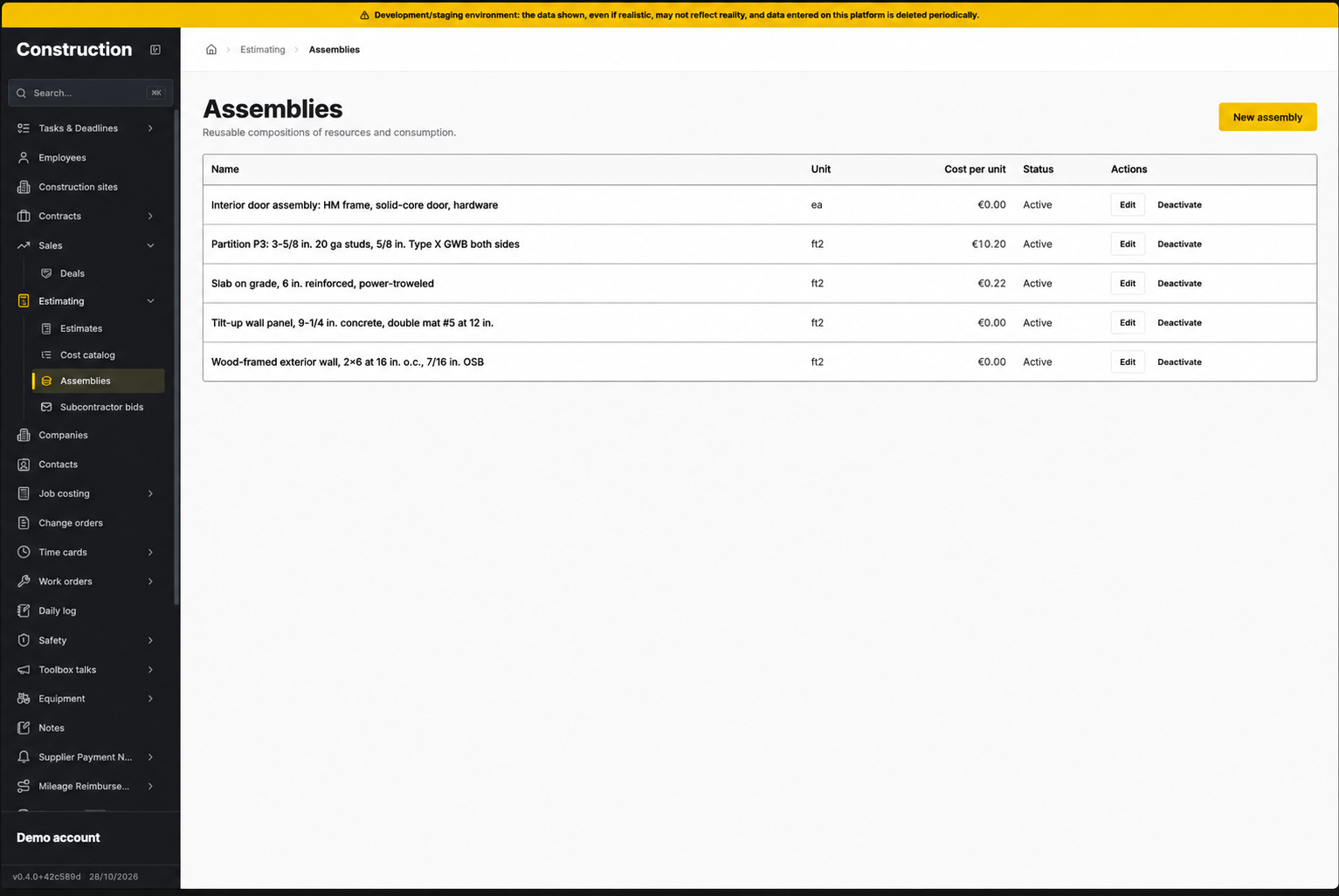
Start an estimate with reusable assemblies.
A screen from the construction walkthrough: components, units and costs in one table. This edited staging example shows the workflow; availability and delivery are agreed separately.
One scoped job, from audit to handover.
What working with us looks like, so you know how much disruption to expect.
-
Audit
We walk through how a job moves from the site to the office: notes, delivery tickets, fuel, costs.
-
Redesign
We cut the steps where someone retypes the same thing into another system.
-
Assemble
We agree the application, cost codes and forms needed for the scoped job.
-
Operate
Your crew uses it on live jobs. We adjust it with you as it runs.
Your job files stay on your computer.
- Files are read and organized on a computer you already own. No data migration. No new cloud account.
- If you use an outside AI model, only what that task needs is sent, and it's logged.
- You can run local models instead, and send nothing out.
Bring one job you want to fix.
We’ll talk through what gets lost between the site and the office, and what a first workflow could cover.
Book a 15-minute workflow call